Examples
Two sample apps and a web demo that show Crease in use.
The repository has two sample apps in samples/. Both are Compose Multiplatform and run on Android and iOS. The web demo runs the same fold-aware screens in a browser, with a virtual device you can fold.
Recipe reader
A list and detail app. Closed it shows one pane, and so does a flat phone. Half open, FoldAwareTwoPane puts ingredients on one side of the fold and the steps on the other. In tabletop, the picture goes above the fold and the steps below it.
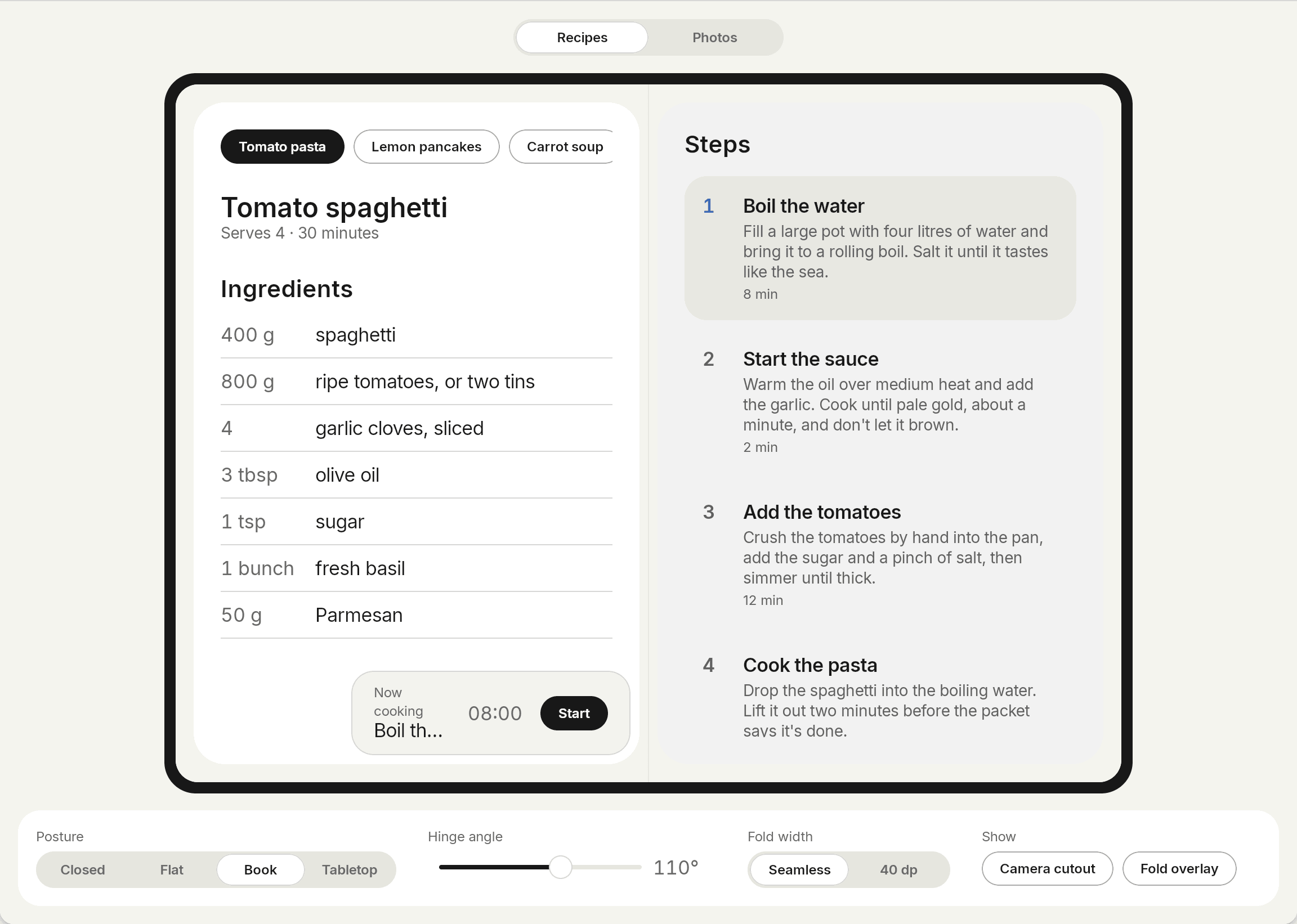
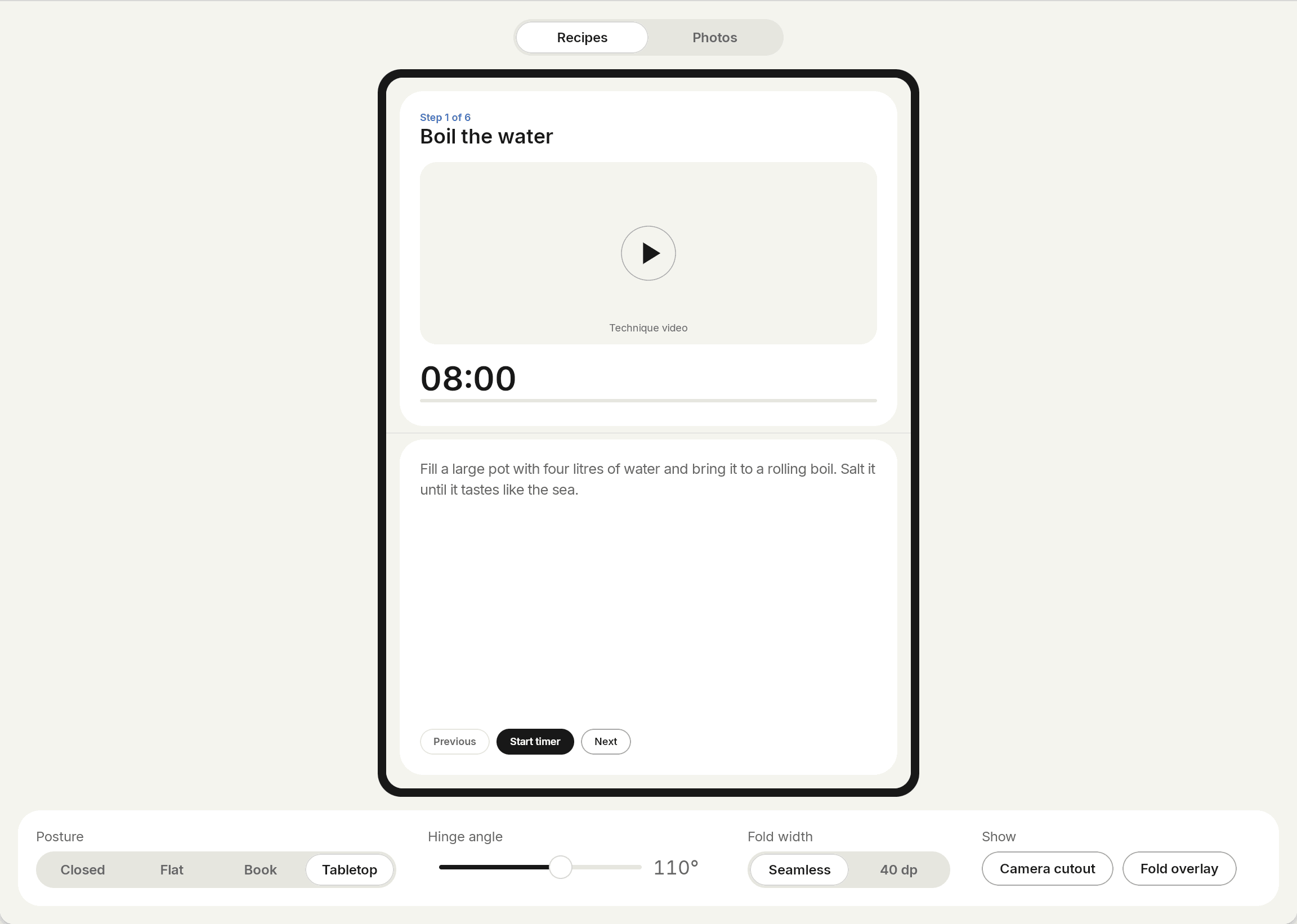
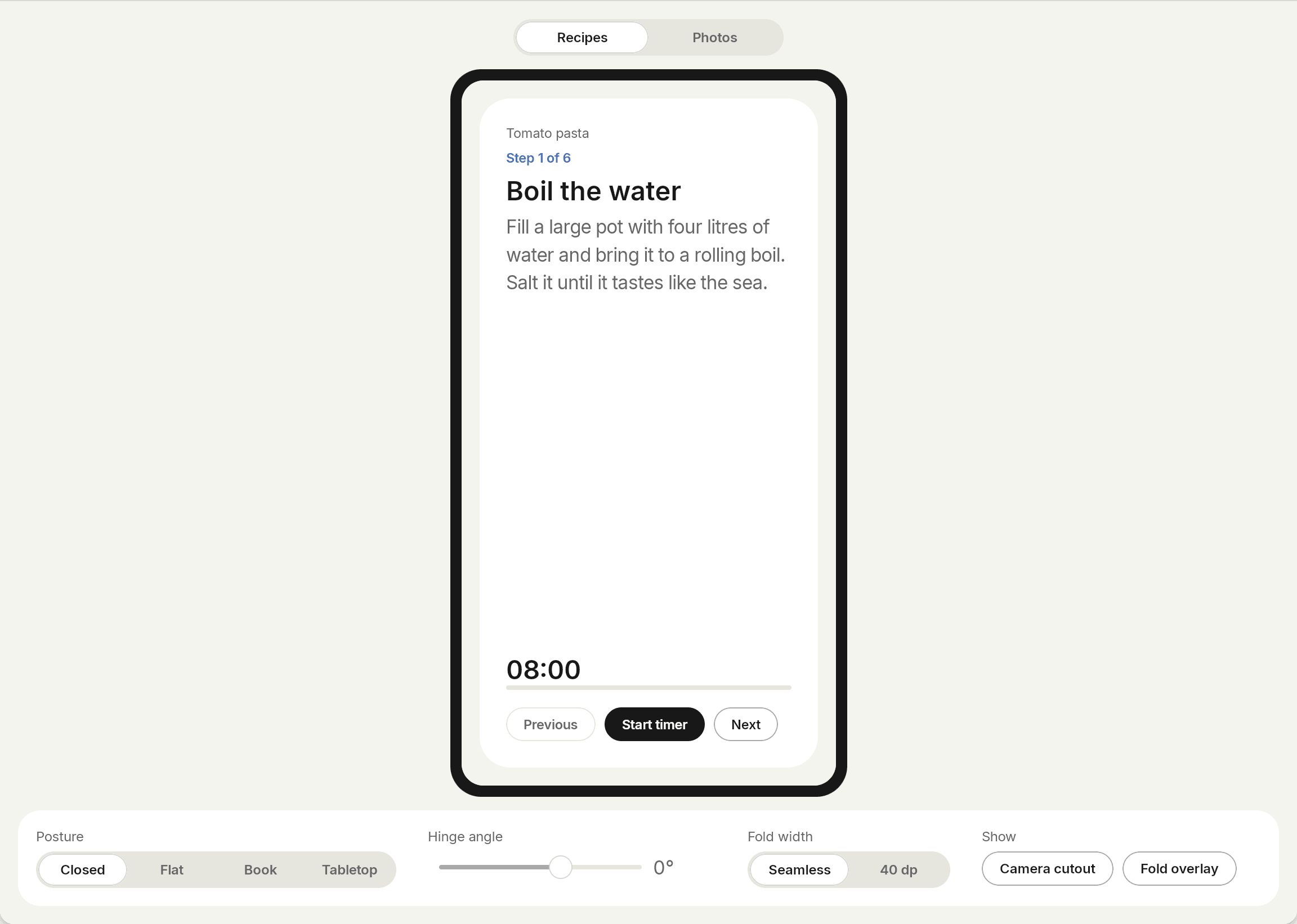
Photo editor
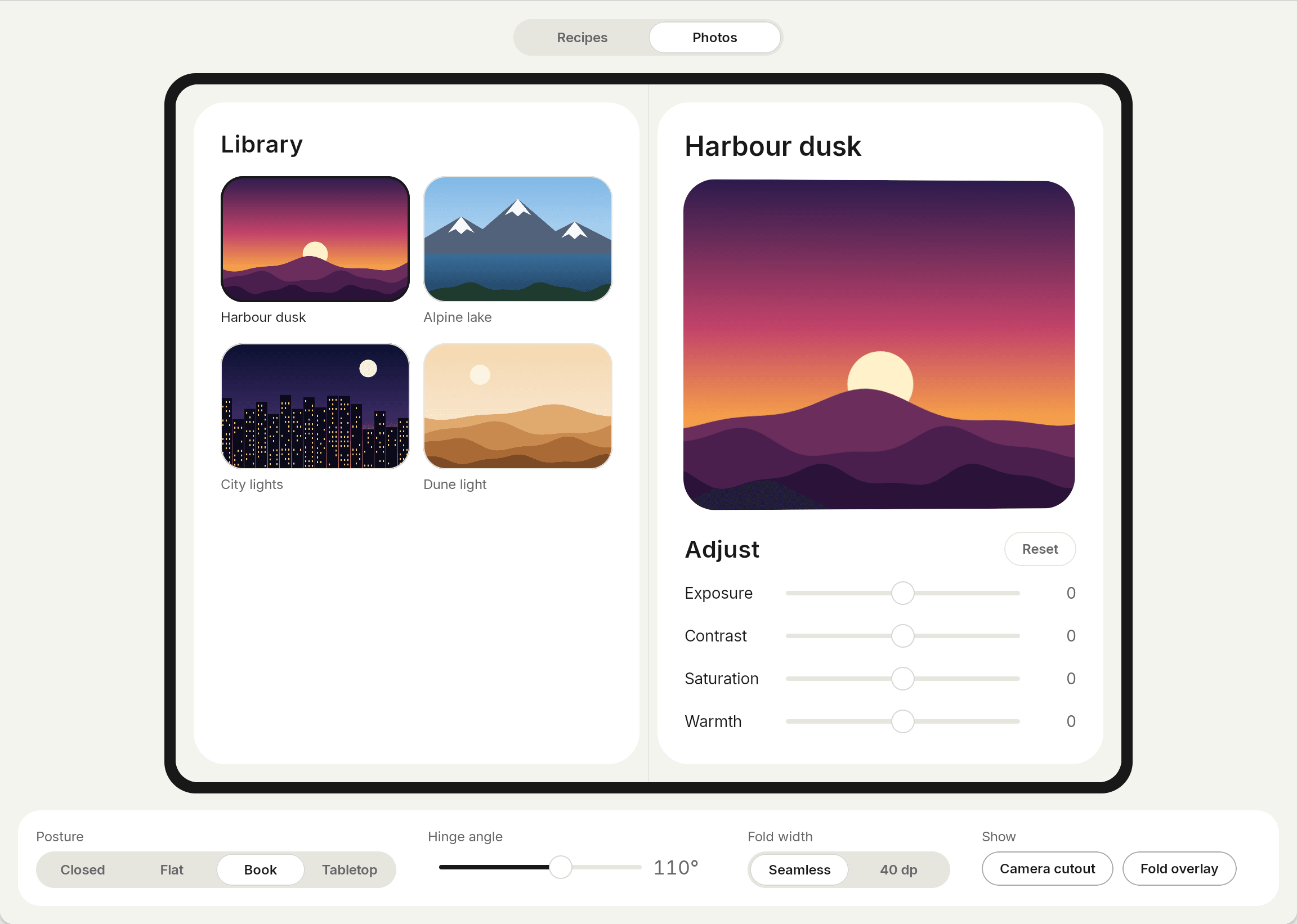
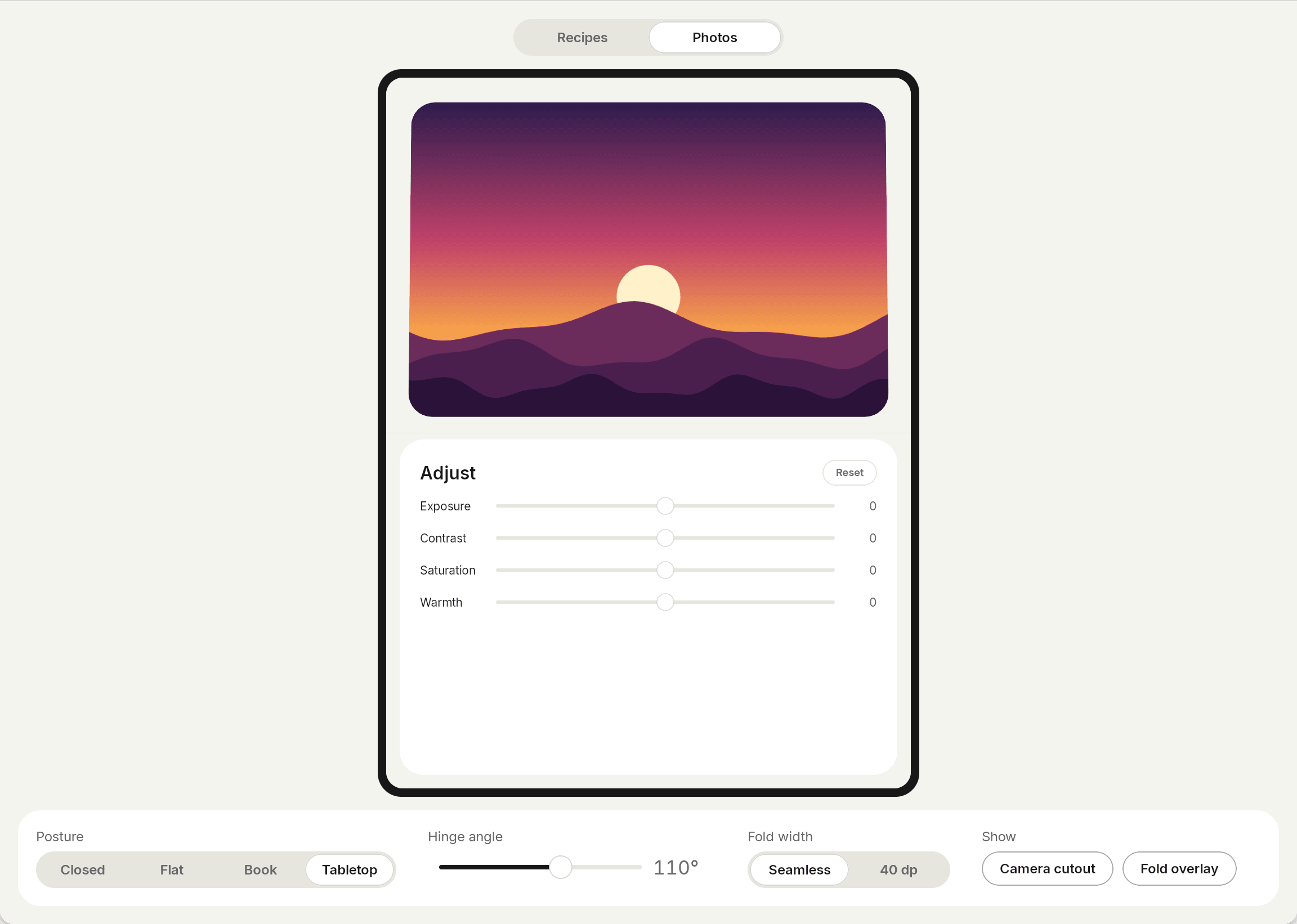
A photo with its tools. Half open like a book, the photo sits on one side and the tools on the other. The hinge angle drives a small tilt on the preview, and the fold overlay shows the fold and cutout bounds that Crease reports.
Run them
./gradlew :samples:recipes:androidApp:installDebug
./gradlew :samples:photos:androidApp:installDebug
The shared code is in samples/recipes/shared and samples/photos/shared. The web demo is samples/web.
Run them on a foldable emulator, or on the iPhone Duo simulator of Xcode 27.1. The Android and iPhone Duo guides explain how.