---
title: Examples
description: Two sample apps and a web demo that show Crease in use.
sidebar:
order: 4
---
The repository has two sample apps in `samples/`. Both are Compose Multiplatform and run on Android and iOS. The [web demo](https://crease-demo.vercel.app) runs the same fold-aware screens in a browser, with a virtual device you can fold.
## Recipe reader
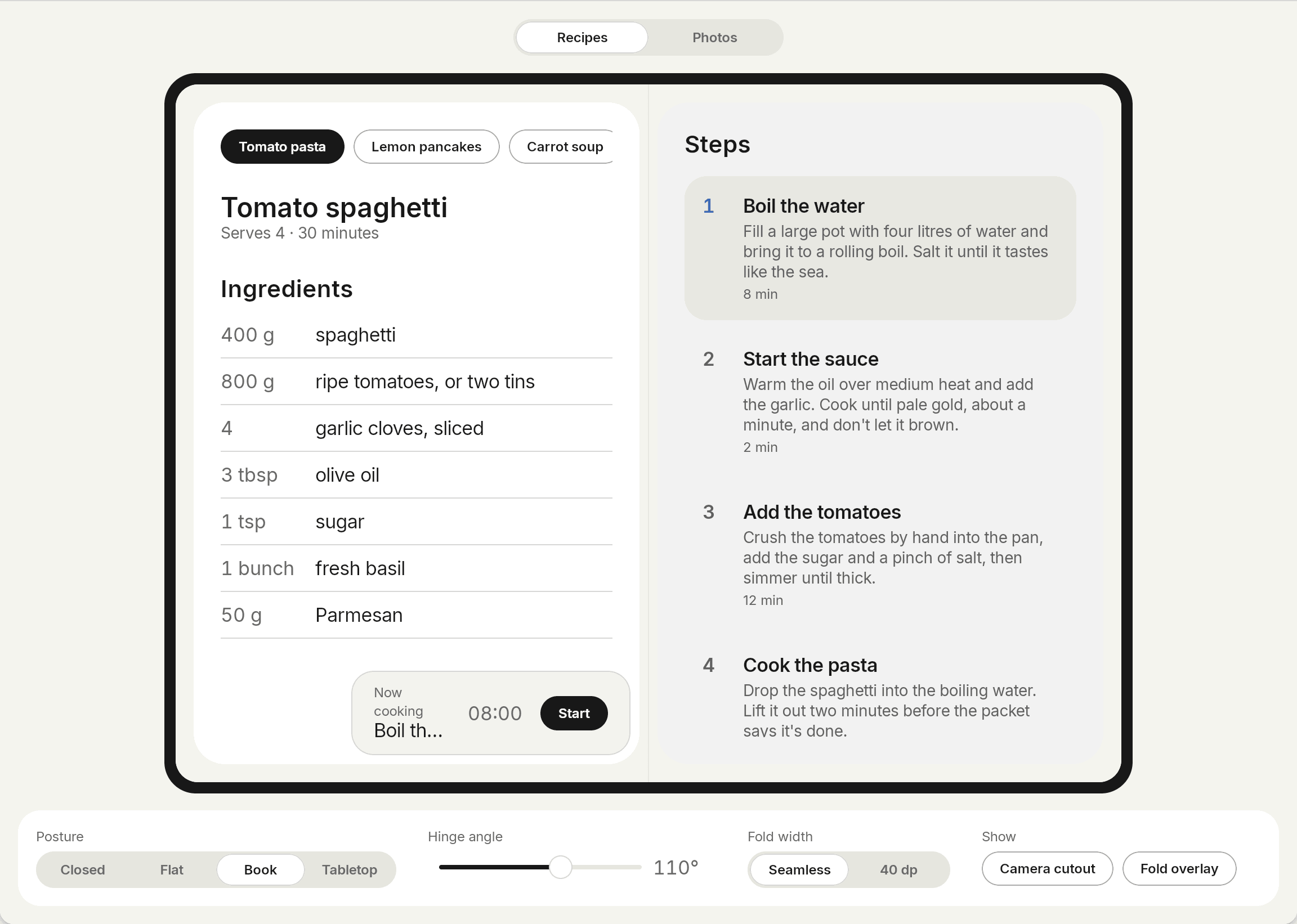
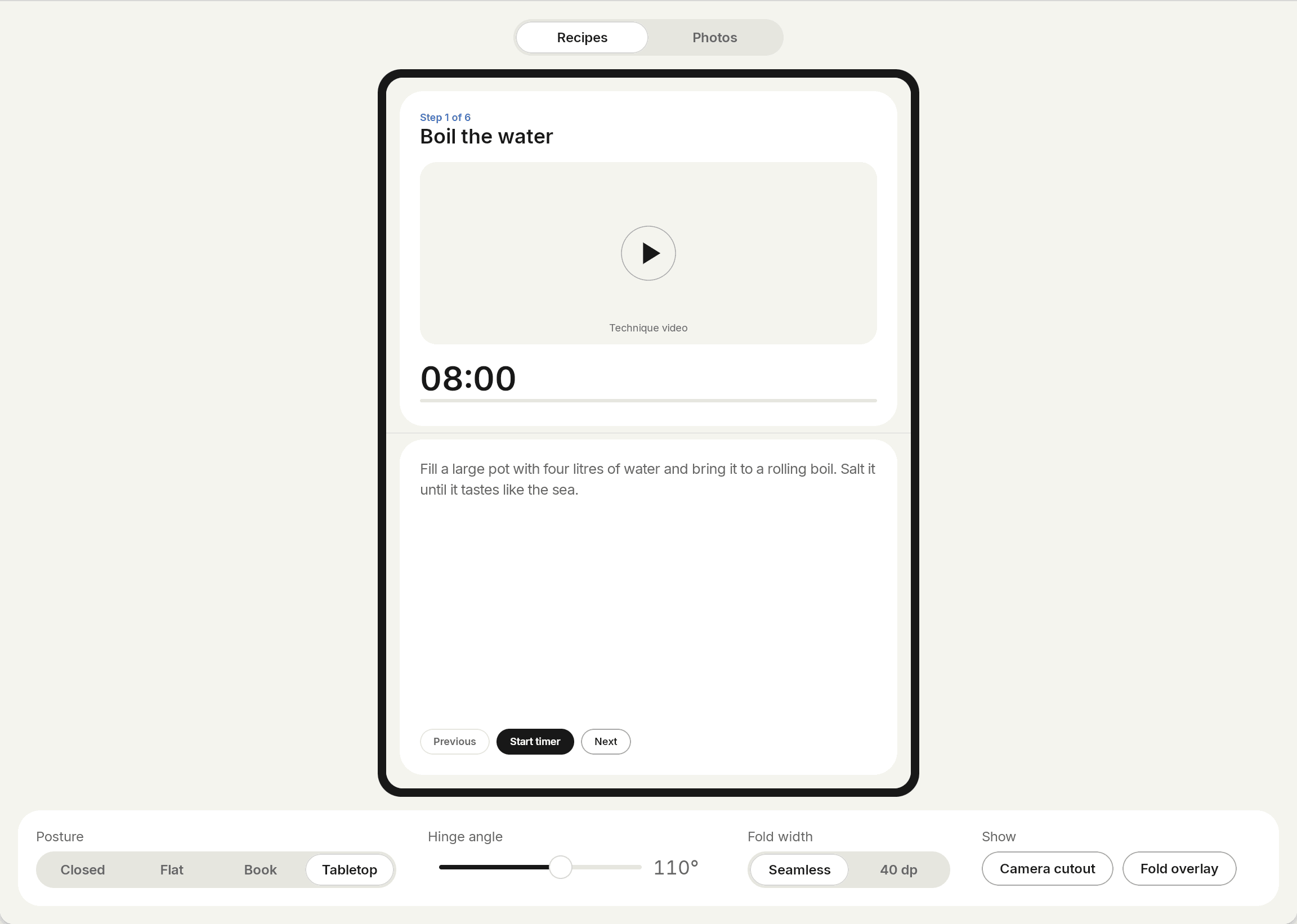
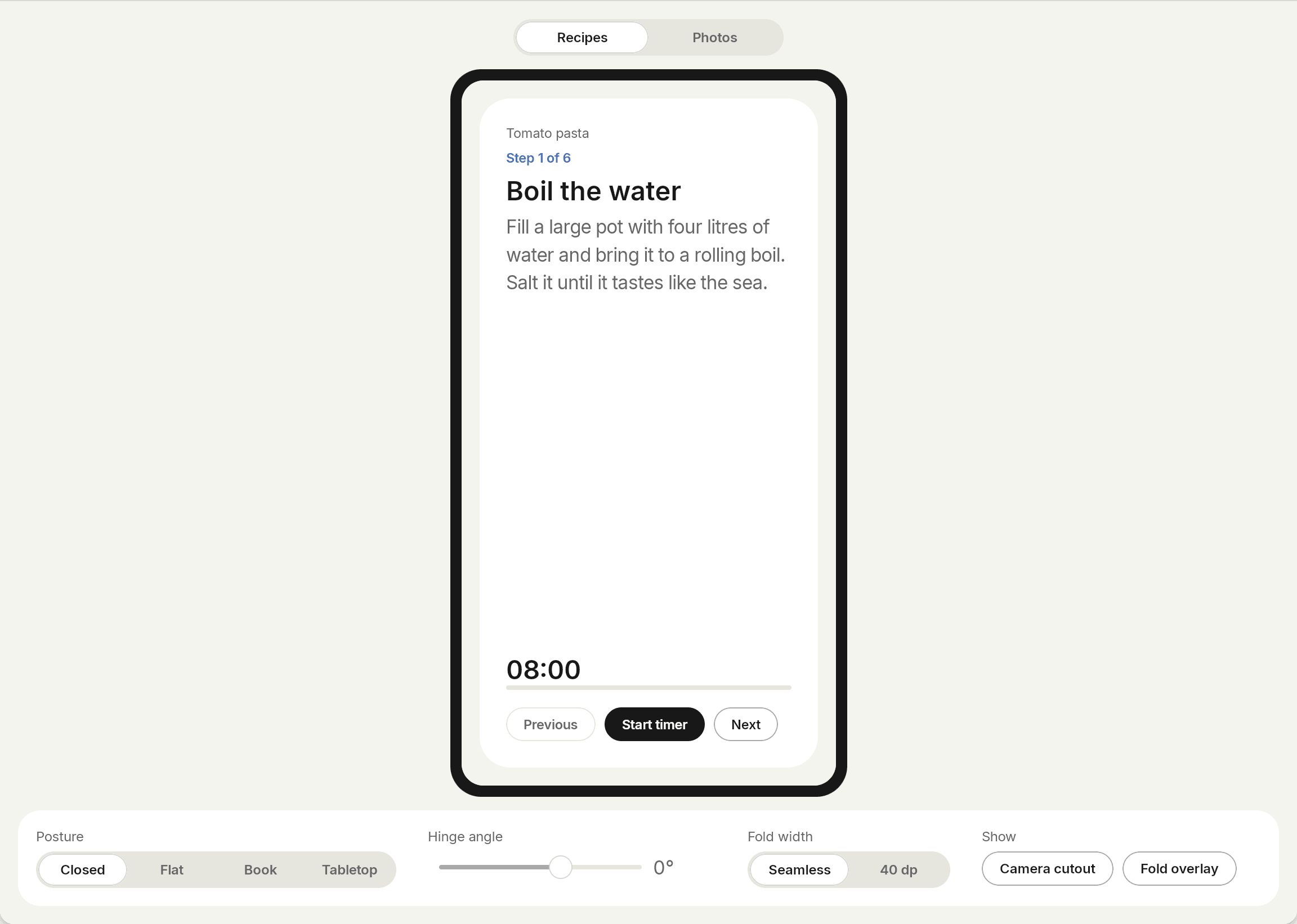
A list and detail app. Closed it shows one pane, and so does a flat phone. Half open, `FoldAwareTwoPane` puts ingredients on one side of the fold and the steps on the other. In tabletop, the picture goes above the fold and the steps below it.
## Photo editor
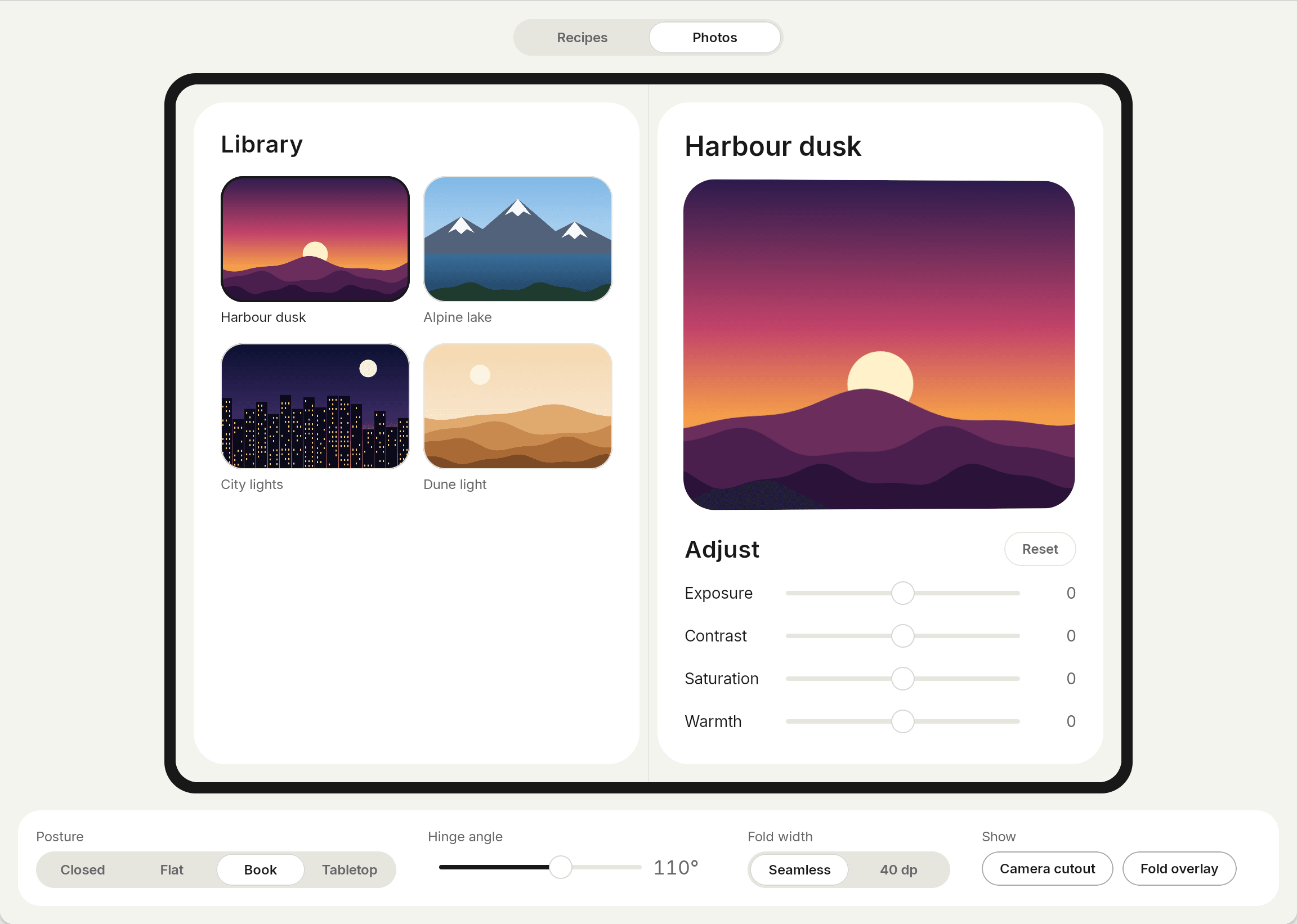
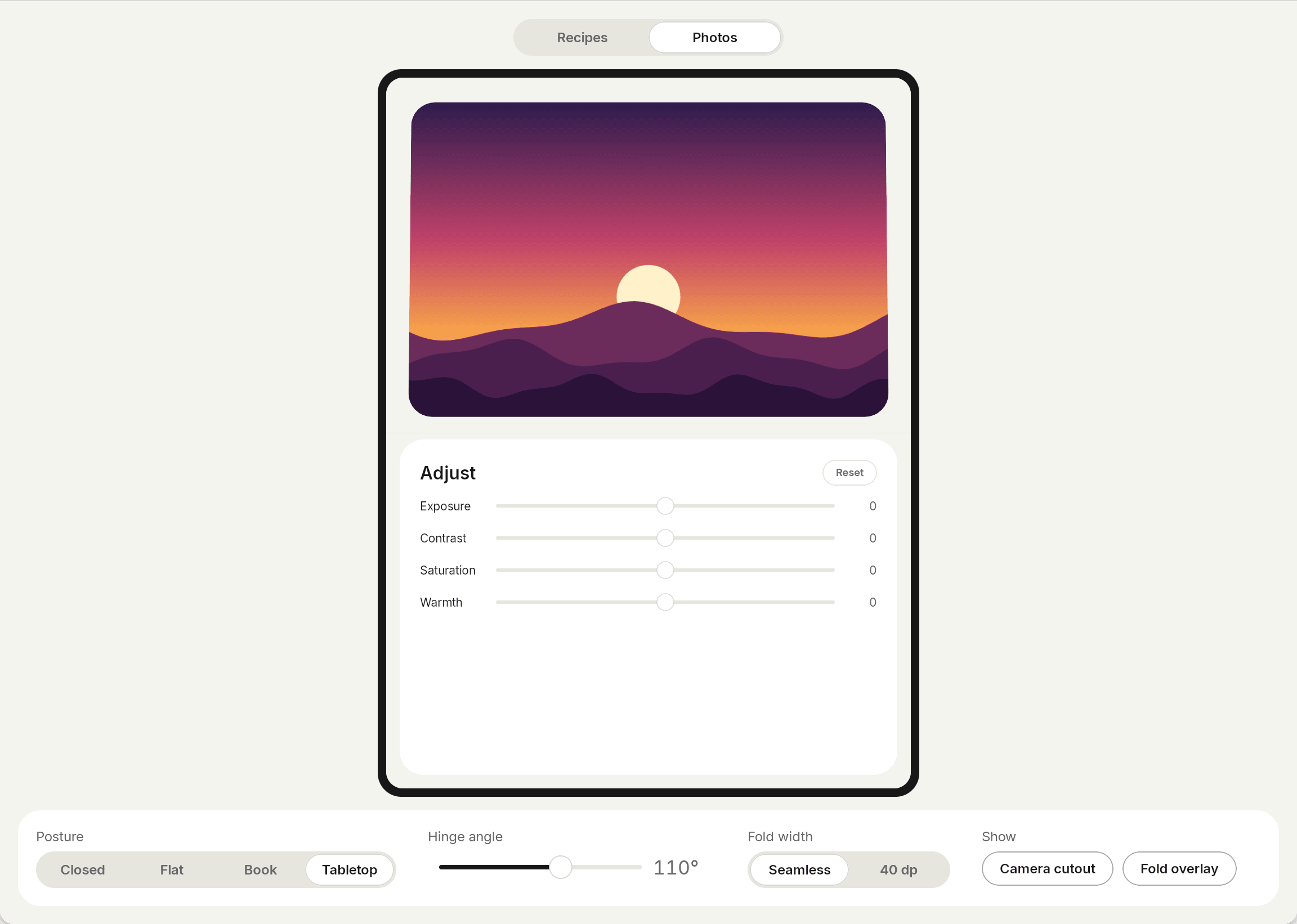
A photo with its tools. Half open like a book, the photo sits on one side and the tools on the other. The hinge angle drives a small tilt on the preview, and the fold overlay shows the fold and cutout bounds that Crease reports.
## Run them
```bash
./gradlew :samples:recipes:androidApp:installDebug
./gradlew :samples:photos:androidApp:installDebug
```
The shared code is in `samples/recipes/shared` and `samples/photos/shared`. The web demo is `samples/web`.
Run them on a foldable emulator, or on the iPhone Duo simulator of Xcode 27.1. The [Android](/guides/android) and [iPhone Duo](/guides/iphone-duo) guides explain how.